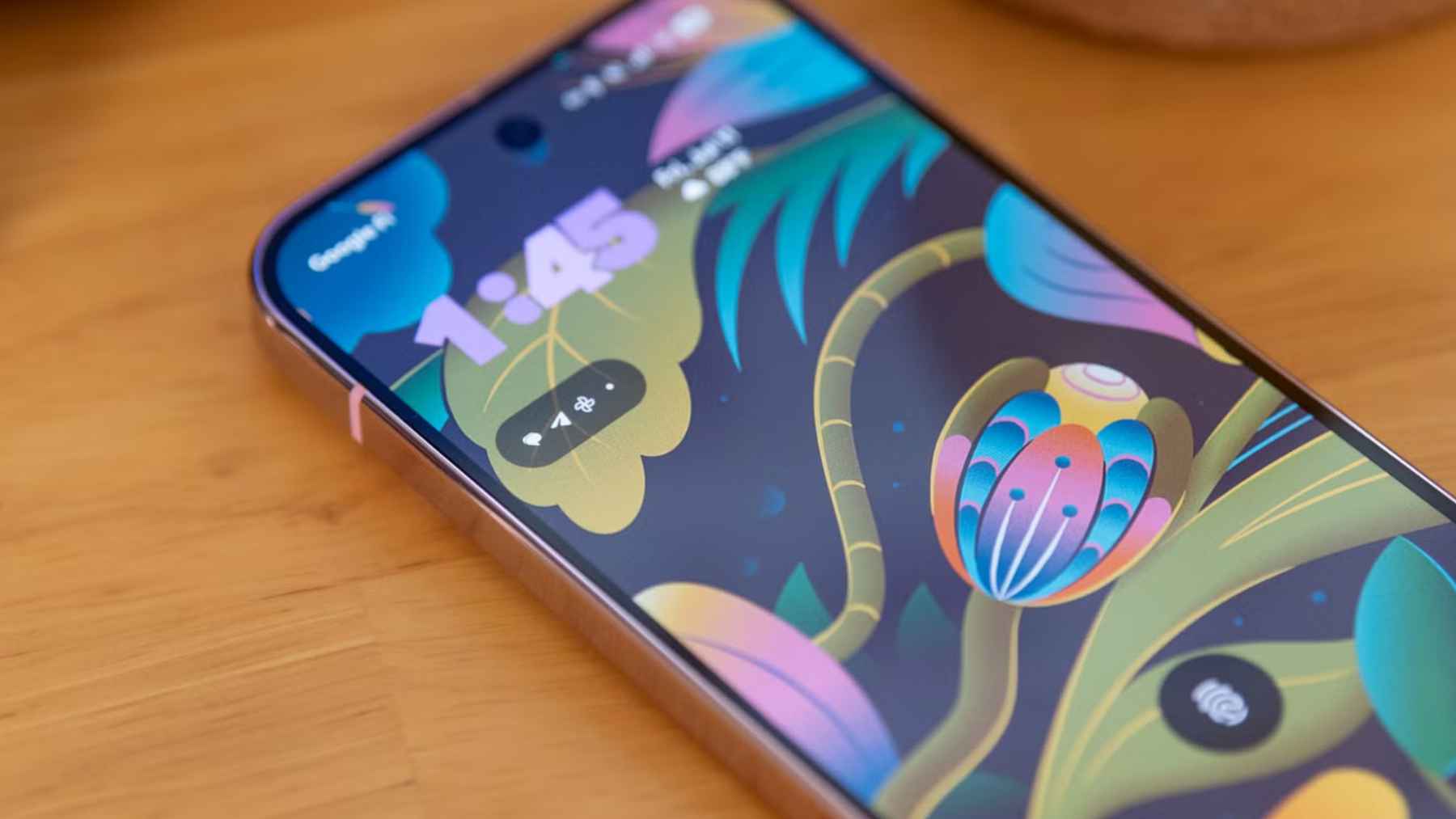
A new chapter in mobile computing just landed on Android, and it is bigger than a slick new home screen. With Android 16 QPR3, Google says connected display support is now generally available, letting certain phones open a true desktop-style session on an external monitor with a taskbar and resizable windows.
That matters because the timing is almost too perfect. One tech writer recently said Android’s desktop mode was good enough to stop carrying a laptop on many trips, and businesses are staring at the same idea with fresh eyes. If your work mostly lives in a browser tab and a couple of chat windows, why keep hauling a second computer through airport security?
Google’s desktop moment
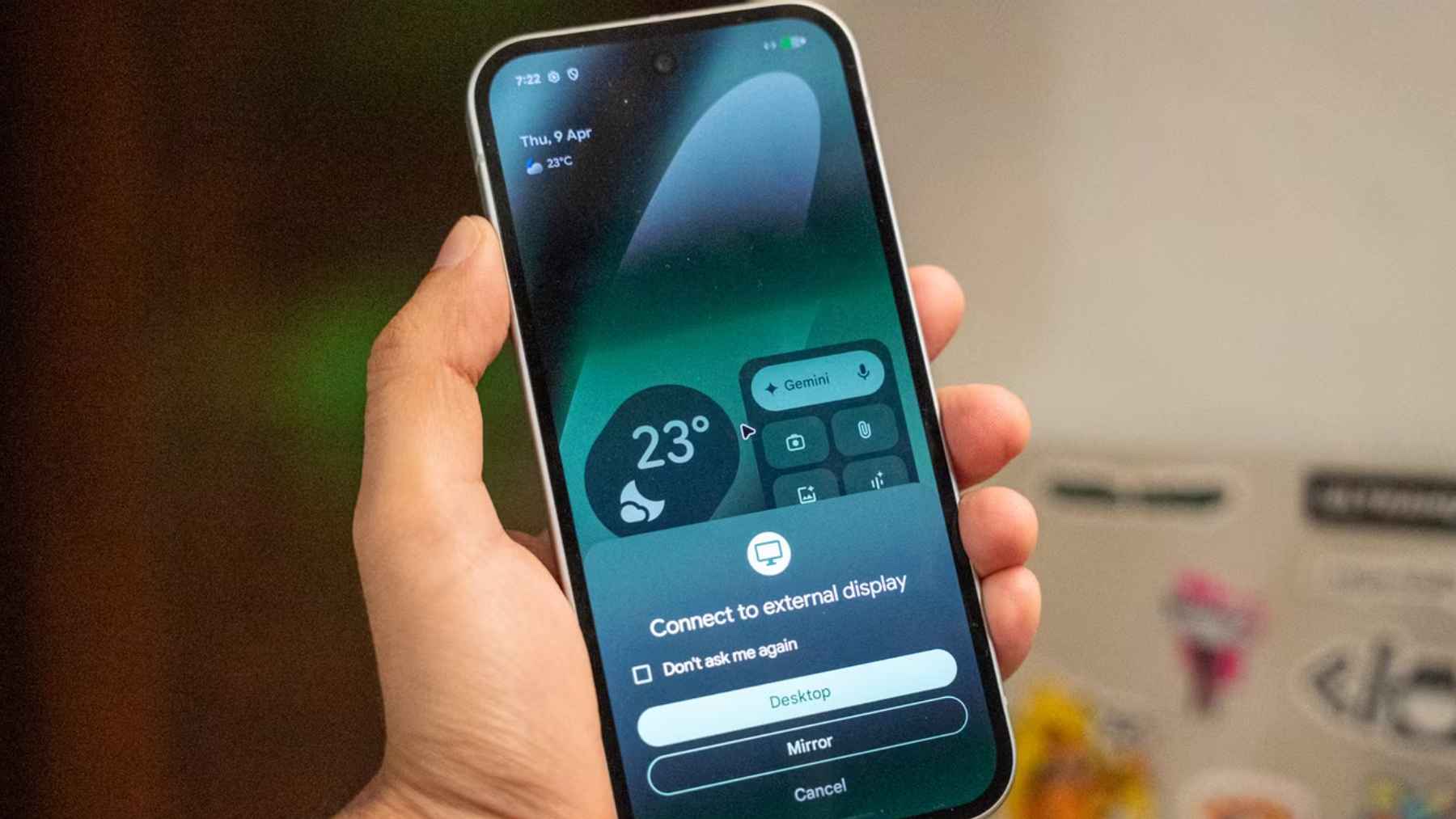
Google describes the new experience as a desktop windowing environment that starts when a supported Android phone is connected to an external display.
The taskbar can show active apps and pinned shortcuts, and the whole point is multitasking with free-form or maximized windows, not simple screen mirroring. Your phone can keep its usual state while the monitor runs the desktop session.
This is not a solo project either. Google says it worked with Samsung to bring a more seamless connected display experience across Android 16 devices, which also feeds into Samsung DeX rather than trying to sideline it.
In the Android 16 QPR3 release, Google says it finalized the windowing behaviors, taskbar interactions, and keyboard and mouse compatibility that make the feature feel less like a demo.
The Pixel hardware shift that made it possible
For years, Pixel fans had an awkward problem. Many models could not easily act like a wired desktop because USB-C video output support was missing or limited, so even a great software feature had nowhere to go.
That started changing with Pixel 8 and newer phones gaining DisplayPort support, and Google’s own store even began selling a dedicated USB-C to HDMI cable aimed at that use case.
The cable is listed at $29.99 and is marketed as a simple way to connect Pixel 8 and newer phones to an HDMI display.
Why travelers are the first real winners
Dhruv Bhutani’s experience captures the appeal in plain terms. Plug a phone into a monitor with a USB-C to HDMI adapter, pair a keyboard and mouse, and suddenly you have a workspace that looks and feels like a small laptop with real window management.
The underrated part is continuity. Your files are already on the phone, your apps are already signed in, and you are not stuck bouncing a download between a laptop folder and a phone camera roll before you can send it in a message or post it to a social platform.
In practical terms, it can cut out the little annoyances that make travel work feel harder than it should.
What this setup can and cannot replace
Let’s be honest about the ceiling. Desktop mode is great when your day is email, documents, web research, messaging, and lightweight edits, especially if those tools already run in the cloud or inside a web-based CMS.
But it is not a drop-in replacement for every desktop workflow. Heavy creative suites, niche enterprise software, and workflows that assume multiple external drives and legacy peripherals still favor a traditional PC, at least for the most part.
Google also frames the feature as a push toward “adaptive” apps that handle different window sizes and inputs, which is a reminder that some mobile apps will still feel like stretched phone layouts until developers modernize them.
The business case comes with a security catch
For companies, the pitch is straightforward. A single managed device for calls, messaging, and “desktop” work can reduce hardware sprawl, simplify support, and make the employee experience smoother when work follows you everywhere.
The catch is that one device becomes a bigger single point of failure. Android’s enterprise tooling can help by separating corporate apps and data from personal ones through a Work Profile that IT administrators can control, while keeping a user’s personal side private.
That separation is especially relevant in regulated environments where data handling rules are strict.
Even then, connected display setups introduce new questions. If an employee plugs into a shared monitor or a random dock in a conference room, what peripherals are attached, what data can be copied, and what does “secure” look like outside the office? Those are policy decisions, not just product features.
A PC market squeezed on price just met a new alternative
Desktop mode is arriving as PC economics get weird. IDC says it now expects the worldwide PC market to decline by 11.3% in 2026 even as revenue grows 1.6%, largely because average selling prices rise with memory and storage costs. IDC also forecasts global smartphone shipments falling 12.9% in 2026, which means both device categories are under pressure at the same time.
Omdia puts real numbers behind the pain, noting that mainstream PC memory and storage costs rose by 40 to 70% from the first quarter through the fourth quarter of 2025, with higher costs being passed through to customers. That is the kind of squeeze that shows up in procurement budgets, and it makes “use the phone you already carry” sound a lot more practical.
That price pressure is where Android’s approach gets interesting. If entry-level laptops keep creeping up in price, a phone you already own plus a dock and a display could look like a sensible substitute for certain roles, especially short business trips and web-first work. Not for everyone, not overnight, but enough to make PC vendors pay attention.
The official statement was published on ‘Android Developers Blog’, and it lays out what is shipping now and what app makers are being told to fix next.