Apple Silicon Macs may finally be getting something power users have been asking for since the M1 era, a practical way to plug in an external GPU and actually use it.
Tiny Corp says Apple has now approved and signed its TinyGPU driver extension, letting certain AMD and Nvidia cards in USB4 or Thunderbolt eGPU enclosures act as AI accelerators without requiring users to disable System Integrity Protection (SIP).
This is not the return of eGPUs for gaming, and it is not a full graphics upgrade for macOS apps. Instead, it is a compute-focused, AI-only lane that arrives just as Apple has confirmed it is discontinuing the Mac Pro with no future models planned, a timing that feels more than a little revealing.
What Apple has really opened up
For years, the external GPU story on Apple Silicon was mostly a dead end because the missing piece was drivers that macOS would allow in a secure, supported way.
Tiny Corp’s claim is essentially that Apple has now allowed its DriverKit-based approach to be signed and installed normally, which matters because Apple’s modern system extension model is built around explicit approvals and entitlements rather than “just load a driver and hope.”
Still, it helps to be clear about what “approved” means in practice. Multiple outlets describe this as Apple allowing a third-party driver path that no longer requires SIP workarounds, not as Apple adding broad, first-party eGPU support to macOS for every use case.
This is AI compute, not a graphics comeback
If you are picturing a MacBook with an eGPU suddenly turning into a gaming machine again, that is not what this is. AppleInsider notes that video output to an external monitor is not accelerated at all, and heise also describes the project as explicitly not intended for graphics output.
There is another constraint that many people will only notice once they try to integrate it into a real workflow.
Heise reports the drivers work with Tiny Corp’s tinygrad stack rather than acting like a universal GPU layer for popular alternatives such as Apple’s MLX, so the “it runs on my Mac” story may depend heavily on which tools you already use.
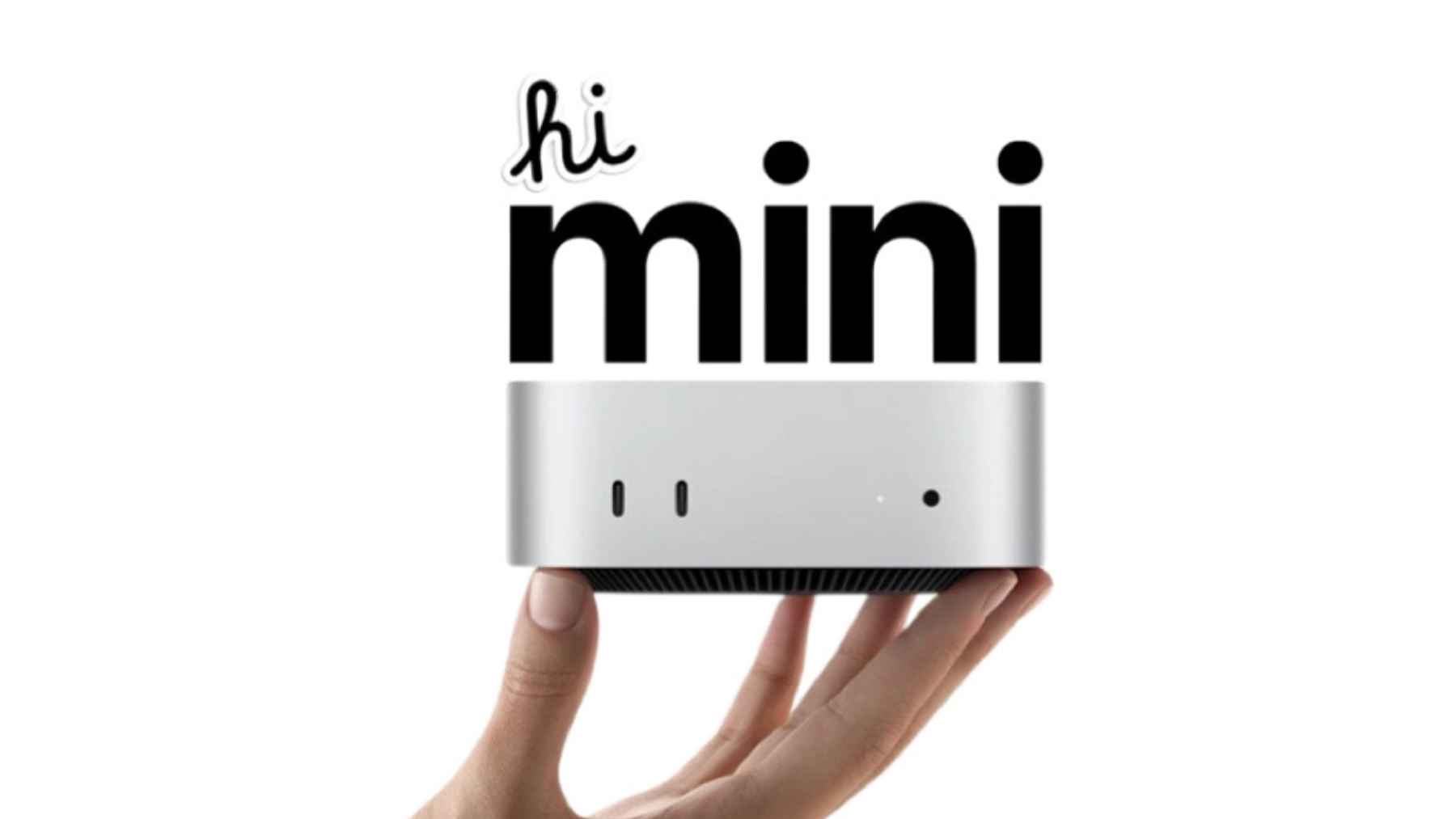
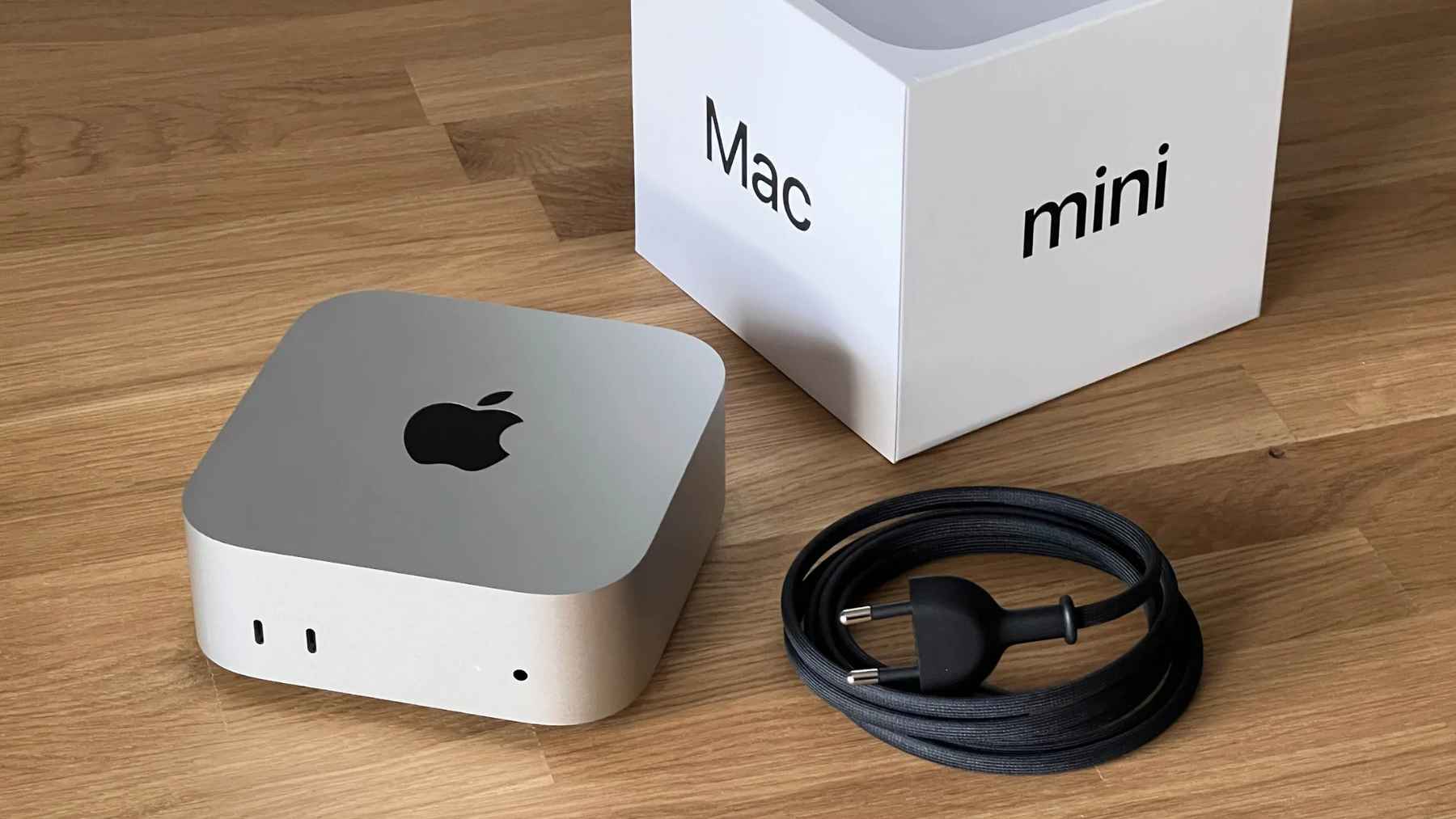
The compact Apple Mac mini underscores its small footprint as new external GPU support hints at a major boost in AI performance.
Why the Mac mini suddenly looks more interesting
In day-to-day terms, this is why the news spread so quickly. A Mac mini is small, quiet, and efficient, but it has not been the obvious choice for heavier local AI unless you were content with the integrated GPU and unified memory.
With an external GPU acting as an AI accelerator, that same little box can plausibly run larger local models than you would normally attempt on a baseline setup.
TechRadar points to models such as “Qwen 2.5 27B” as an example of the kind of demanding workload users are trying to run once the driver is installed and approved. For anyone who has ever watched a local model crawl while their laptop fans spin up, the appeal is straightforward.
The setup and compatibility checklist
TinyGPU is not described as “plug it in and forget it,” but it is also no longer positioned as a lab experiment that requires turning off core macOS protections. Tinygrad’s documentation lists macOS 12.1 or later, a USB4 or Thunderbolt port, and a supported GPU, with support called out for AMD RDNA3 and later and Nvidia Ampere and later.
The installation flow is also more consumer-friendly than the old stories of risky kernel extensions. The tinygrad docs describe downloading TinyGPU.app, triggering a system prompt, and then enabling the TinyGPU driver extension in System Settings, which is the familiar macOS pattern for modern system extensions.
Where things split is the compiler and tooling side. The documentation describes an AMD setup that runs on macOS and a separate Nvidia path that relies on Docker Desktop to use NVCC for AI workloads, reflecting the reality that Nvidia’s mainstream CUDA tooling is not native on macOS in the way many developers are used to on Windows or Linux.
The performance reality over a cable
Even when everything works, an eGPU over USB4 or Thunderbolt is still a GPU on the far side of a relatively narrow link compared with an internal desktop PCIe slot. Heise describes the classic eGPU model as PCIe devices connected through Thunderbolt or USB4 expansion boxes, and that physical reality tends to show up as bottlenecks when you constantly shuttle data back and forth.
In practical terms, the best experiences usually come from workloads that move weights and data onto the GPU and keep them there for as long as possible.
That is one reason this story is framed as AI acceleration rather than general-purpose “make everything faster,” because many creative and graphics workflows are sensitive to latency and display path integration in ways this project is not trying to solve.
The Mac Pro exit changes the context
If this were happening in a world where Apple still had a clear, modular workstation roadmap, it might feel like a niche win for hobbyists. But Apple has confirmed to 9to5Mac that the Mac Pro is being discontinued, that it has been removed from Apple’s website, and that there are no plans for future Mac Pro hardware.
That matters because the Mac Pro was the last “official” answer for people who wanted to buy into macOS and still treat the machine like a tower you can upgrade over time.
This TinyGPU route does not recreate that experience, but it does offer a workaround for one of the biggest practical problems in AI today, getting access to more GPU compute without rebuilding your whole workflow around another operating system.
What businesses and security teams should watch
From a risk perspective, the shift away from disabling SIP is not a minor footnote – it is the difference between something that can be tested responsibly and something many companies would block outright.
Apple’s own developer guidance makes clear that system extensions and DriverKit drivers depend on Apple-issued entitlements and approval, and it even notes that developers sometimes turn off SIP temporarily while requests are under review.
Even so, “third-party driver extension” should make IT teams slow down for a moment and do the usual diligence, especially in regulated environments where local AI is attractive precisely because sensitive data never leaves the device.
The official documentation was published on Tinygrad docs.